I’ve been seeing a lot of buzz lately about Helium Mobile — and one thing keeps standing out:
They offer a completely free phone plan.
Naturally, that raises some questions.
- Is it actually free?
- Do you have to enter a credit card?
- How does the company make money?
- Is this one of those “too good to be true” situations?
So I decided to activate the free plan myself and walk through the entire process step by step. Here’s exactly what happened.
First Things First: Is Helium Mobile Actually Free?
Originally, Helium Mobile advertised that you could sign up for the free plan without entering a credit card.
However, just before recording, I received an email saying they now require a credit card to sign up.
So yes — you do have to enter a credit card.
But here’s the interesting part:
The base plan is still advertised at $0 per month.
What You Get on the Free Plan
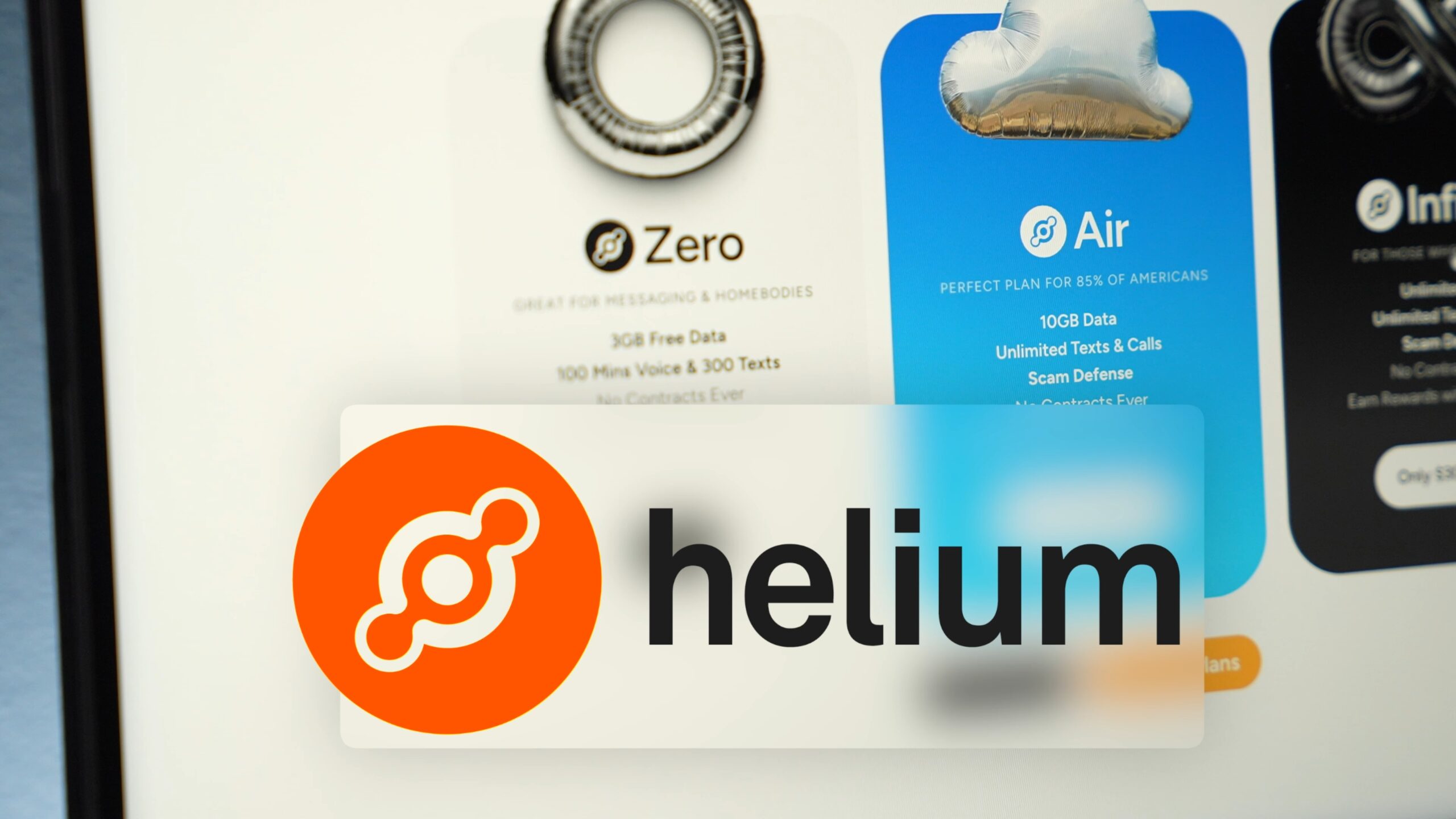
- 3GB of data per month
- No unlimited talk and text
- Access to add-ons
- Option to upgrade anytime
That’s right — the free plan does not include unlimited talk and text, which is honestly rare to see these days. Most carriers advertise unlimited talk and text automatically.
After your 3GB of data runs out, you can purchase additional data for:
- $7.50 per extra GB
So technically, the plan is free — but they monetize through add-ons and overages.
Other Helium Mobile Plans

If the free plan feels too limited, Helium Mobile also offers paid options:
- $15/month plan
- $30/month plan
Even their highest-tier plan at $30/month is cheaper than what many people are currently paying.
So the pricing overall is surprisingly competitive.
Activating the Free Plan: Step-by-Step Experience
Here’s exactly how activation went.
Step 1: Download the App
When you go to Helium’s website, it immediately directs you to download the app.
The app is relatively small (under 172MB) and downloaded quickly.
After opening it, I selected:
- “Get Started”
- Chose the $0 Free Plan
You can sign up with:
- Apple
I chose Sign in with Apple.
Step 2: Enter Personal Information
You’ll need to provide:
- Full legal name
- Billing address
- Credit card information
Yes — this is now required.
You also must agree to automatic monthly billing.
Step 3: The “Free” Fees
Although the plan is labeled $0/month, I was charged:
$1.10 total
This included:
- Processing fee
- Wireless fee
- Sales tax
- State-specific surcharges
Every state will vary slightly.
So no — it’s not technically $0.
But $1.10 per month is about as close to free as you can realistically get.
Installing the eSIM
After payment, you must install your eSIM to activate service.
You have three options:
- eSIM (instant activation)
- Order a SIM card by mail
- Manual installation
I chose eSIM, which activated in about 2 seconds.
One important note:
Your eSIM can only be installed once.
If you delete it, you must contact support.
That’s a little unusual — but worth knowing.
Choosing a Phone Number
You can either:
- Get a new number
- Transfer an existing number
I chose a new number.
One surprising detail: I wasn’t able to choose my number. It was automatically assigned.
Exploring the Helium Mobile App

Once activated, here’s what stood out inside the app:
Dashboard
- Shows you’re on the Zero Plan
- Displays data usage
- Shows when data resets
Add-Ons Available
You can purchase:
- Unlimited talk & text — $5/month
- Data Boost — $7.50 per GB
- International calling — $10/hour
- International roaming — $15/GB
The flexibility is interesting — you can essentially customize the free plan.
Usage Tracking
One feature I really liked:
You can see exactly how much data you’ve used at any time.
No guessing. No surprise overages.
Cloud Points
After activating, I received 70 Cloud Points.
You can redeem these for:
- Gift cards
- Donations
- Other rewards
It’s an interesting rewards-style system, though I’ll need more time to fully evaluate it.
So… Is Helium Mobile Worth It?
Here’s the honest breakdown:
Pros
- Extremely low cost ($1.10/month in my case)
- Flexible add-ons
- Simple activation process
- Clean app interface
- Good usage tracking
Cons
- Requires credit card
- Not technically free
- No unlimited talk & text on base plan
- Limited to 3GB of data
- Cannot choose your phone number
Final Thoughts (For Now)

The activation process was smooth.
For $1.10 per month, it’s hard to complain.
But the real test will be:
- Network performance
- Data speeds
- Reliability
- Customer service
I’ll be testing the free plan over the next few weeks before giving a full review.
If you’re curious about trying it yourself, you can activate through the Helium Mobile app and see how it performs in your area.
Have you tried Helium Mobile? I’d love to hear your experience.
And if there’s another carrier you’d like me to test next, let me know.