Apple Studio Display XDR Review: My Upgrade From a 1440p Monitor
I might have done something completely unnecessary.
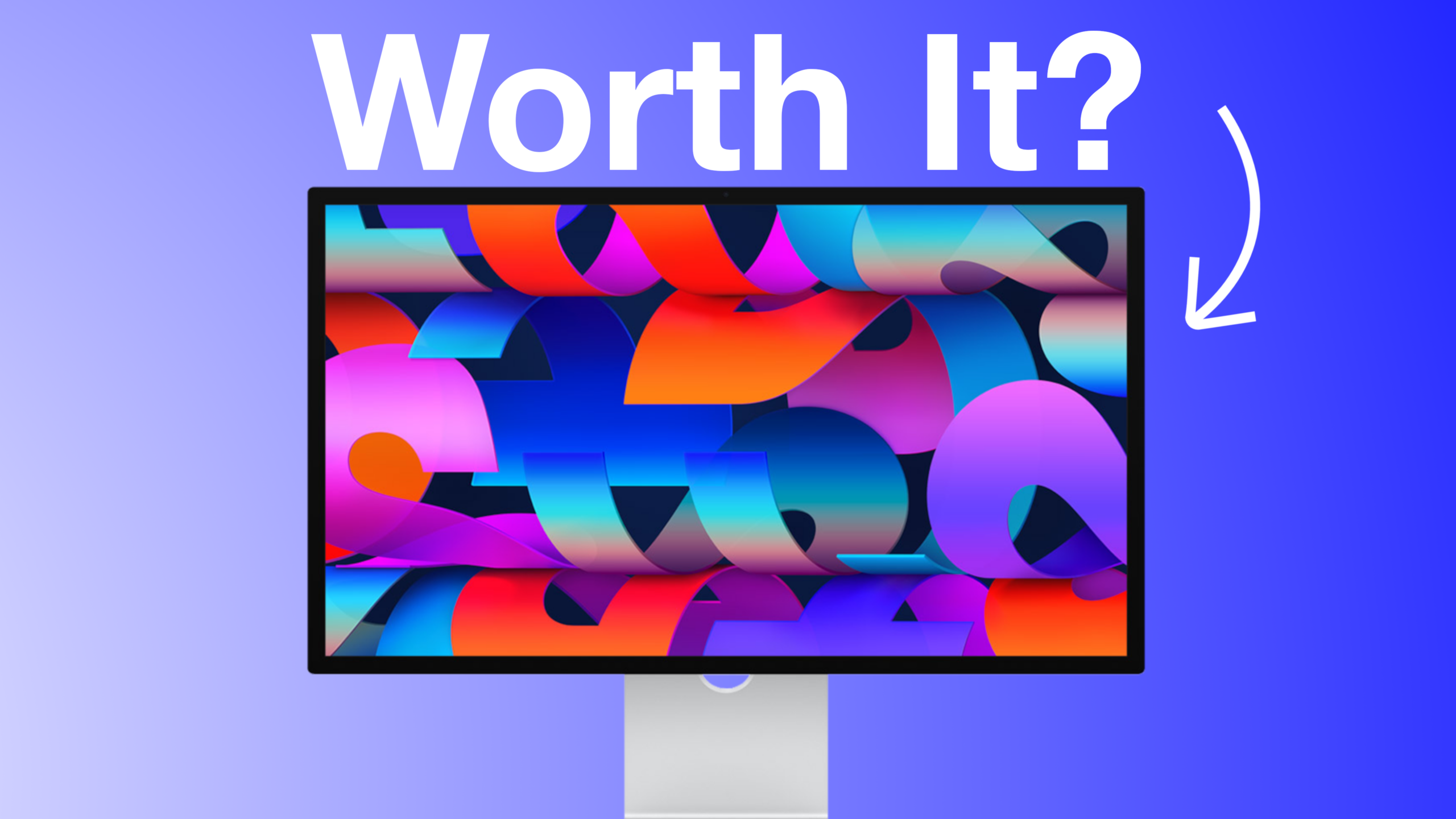
Recently, I upgraded from my perfectly fine 1440p monitor to the Apple Studio Display XDR, which also happens to be the most expensive display Apple currently sells. I’ve been using it for a couple of weeks with my M4 Pro MacBook Pro, and I wanted to share my experience because while this seems like a dream setup on paper, the reality is a little more complicated.
If you’ve ever thought about buying an Apple display, whether it’s the Studio Display or the Apple Studio Display XDR, this post will walk through exactly why I upgraded, what the experience has been like, and whether I think it was worth it.
My Previous Monitor Setup
Before upgrading, I was using a BenQ 1440p high-refresh-rate monitor.
Originally, I purchased it for gaming on my PS5 back in 2020. At the time, I didn’t even own a Mac. It was a great gaming monitor and honestly served me very well over the years.
As time went on, though, I started getting more involved with content creation and video production. What began as a gaming monitor eventually became my primary display for my MacBook Pro.
The monitor itself wasn’t the problem. In fact, I still think it’s a great monitor. The issue was how it worked with MacOS.
As I spent more time editing videos, creating content, and working on my YouTube channel, I found myself becoming increasingly frustrated with the overall experience. I wanted better color accuracy, better brightness, and most importantly, a display that felt like it was actually designed to work with my Mac.
That’s what ultimately started me down the path of researching Apple displays.
The Biggest Problem: Mac Compatibility

The biggest reason I started considering an Apple Studio Display XDR wasn’t because I wanted something expensive or flashy.
It was because I was tired of fighting with my monitor.
My BenQ monitor was a 1440p display, which sounds straightforward enough. You would think I could simply select 1440p resolution on my Mac and call it a day.
Unfortunately, it wasn’t that simple.
While 1440p appears in MacOS resolution settings, everything looked incredibly small when I selected it. The scaling just didn’t feel right. Text and interface elements became difficult to use, and the overall experience wasn’t comfortable for everyday work.
The only resolution that consistently looked normal to me was 1080p.
That solved one problem, but it created another.
At 1080p, I couldn’t take advantage of the monitor’s higher refresh rate. Instead of getting the smooth experience the monitor was capable of delivering, I was limited to much lower refresh rates.
If I switched back to 1440p, I could access higher refresh rates, but then I had to deal with scaling issues. It felt like I was constantly choosing between one problem and another.
I know there are third-party applications that can help improve the experience. I actually used some of those solutions for a while. But I kept coming back to the same question: Why?
Why should I need to download additional software just to use my monitor the way it was intended to be used? Eventually, the third-party solutions stopped working consistently, and I gave up trying to fix it. For a long time, I simply lived with the compromises. It wasn’t the end of the world, but it always felt like the experience should have been better.
Why I Started Looking at the Apple Studio Display XDR
As I continued investing in my YouTube channel and content creation setup, I started thinking about ways to improve my workflow.
I wasn’t necessarily looking for the most expensive display available.
I was looking for the best display for my Mac.
The more I researched, the more I kept coming back to Apple’s displays.
I watched videos, read reviews, and looked at countless setup photos. One thing became clear: if I was only going to use the monitor with a Mac, an Apple display seemed like the most logical option.
Another major factor was cable management.
My previous setup required multiple cables connected directly to my MacBook Pro. Every time I wanted to take my laptop somewhere, I had to disconnect everything individually.
It sounds like a minor inconvenience, but when you do it every day, it gets old quickly. I wanted a true one-cable setup. I wanted to plug one cable into my MacBook Pro and have everything work immediately.
That became one of the biggest selling points of upgrading.
Why I Chose the Apple Studio Display XDR
Once I decided to buy an Apple display, the next question was which one.
The Studio Display seemed like the obvious choice.
It costs less and still offers many of the benefits that make Apple displays attractive in the first place. But after looking at the options, I ultimately chose the Apple Studio Display XDR.
Part of the reason came down to the stand. I wanted the tilt and height adjustable stand, which adds a significant cost to the standard Studio Display. When I compared the pricing and features, I found myself thinking about the long term.
One thing I’ve learned about myself is that when it comes to technology, I generally prefer buying something once and keeping it for a long time. I don’t upgrade monitors very often.
My goal wasn’t to buy something I would replace in a year or two. I wanted something that would remain part of my setup for many years. So I decided to spend more upfront and go with the display I felt most confident about keeping long-term.
Was it necessary?
Probably not.
But it was the decision I made.
First Impressions After Setup

When the display arrived, my first impression was simple: Wow.
The box itself was massive, and from the moment I started unboxing everything, it felt like a premium product. Apple has always been good at creating hardware that feels well-designed, and this display is no exception.
- The aluminum construction looks fantastic.
- The design is clean and minimal.
- It matches perfectly with the MacBook Pro.
- Everything feels solid and high quality.
But what impressed me most wasn’t necessarily the design.
It was how easy everything was.
I plugged in a single cable.
That was it.
- No messing with settings.
- No troubleshooting.
- No scaling adjustments.
- No downloading additional software.
Everything simply worked.
After years of dealing with various monitor frustrations, that simplicity felt refreshing.
Does the Apple Studio Display XDR Actually Look Better?
The short answer is yes.
It absolutely does.
The difference was immediately noticeable.
Going from what was essentially a 1080p experience on my old setup to a full 5K display felt like seeing my Mac in an entirely different way.
- Text appeared sharper.
- Images looked cleaner.
- Everything felt more detailed.
As someone who spends a lot of time editing videos, this was one of the biggest benefits of the upgrade.
Last year, I upgraded my camera and started consistently uploading videos in 4K.
The funny thing is that I was creating 4K content while editing it on what effectively felt like a 1080p display.
Looking back, that’s kind of ironic.
I was producing higher-quality content than I could properly view myself.
Now, I can see much more detail when editing.
Colors look better.
The overall image quality is noticeably improved.
For content creation, that’s a meaningful upgrade.
The Small Things That Make a Big Difference
One thing I’ve noticed about the Apple Studio Display XDR is that many of my favorite improvements aren’t huge headline features.
They’re small quality-of-life improvements.
For example, the display wakes up almost instantly.
With my previous monitor, I would often wait ten to fifteen seconds after waking my Mac before the display became usable.
Was that a major problem? Not really. But it happened every single day. Now the display responds almost immediately.
Again, it’s not a life-changing feature.
It’s just one more example of how Apple products tend to work well together.
Those small improvements add up over time.
- The one-cable setup.
- The instant wake times.
- The lack of scaling issues.
The seamless integration with MacOS.
Individually, none of those things justify the price of the display.
Together, they create an experience that feels significantly better than what I had before.
Is the Apple Studio Display XDR Worth It?

This is probably the question most people want answered. And honestly, I don’t think there’s a universal answer.
For me, the purchase made sense because content creation is something I spend a lot of time doing. I also view equipment purchases as investments back into my channel and business.
That doesn’t mean everyone should buy this display. In fact, most people probably shouldn’t. If you’re simply looking for a nice monitor, there are plenty of options available for much less money.
Even within Apple’s lineup, the Studio Display will make more sense for many buyers. The Apple Studio Display XDR is expensive. There’s no way around that fact. You don’t need it. I certainly didn’t need it.
But after using it, I can understand why people who spend hours every day working on a Mac are willing to pay for the experience.
Final Thoughts
After spending a few weeks with the Apple Studio Display XDR, I’m happy with the upgrade.
- The display quality is excellent.
- The 5K resolution looks fantastic.
- The integration with MacOS is exactly what I was hoping for.
- Most importantly, it solved many of the frustrations that I experienced with my previous monitor.
At the same time, I fully recognize that this is not a display for everyone.
- It’s expensive.
- It’s a luxury purchase.
- And there are many great alternatives available.
But for my workflow, my content creation needs, and my desire for a seamless Mac experience, the upgrade has been worth it. If there’s one thing I wish Apple would improve moving forward, it’s compatibility with third-party displays. Many of the frustrations that pushed me toward an Apple display could potentially be solved through better MacOS support for external monitors.
Will that happen?
Probably not.
But I think it’s worth saying anyway.
For now, though, I’m enjoying the upgrade, and I’m looking forward to creating content with this setup for years to come.